Best Google Business Profile Practices to Improve Your Local Ranking
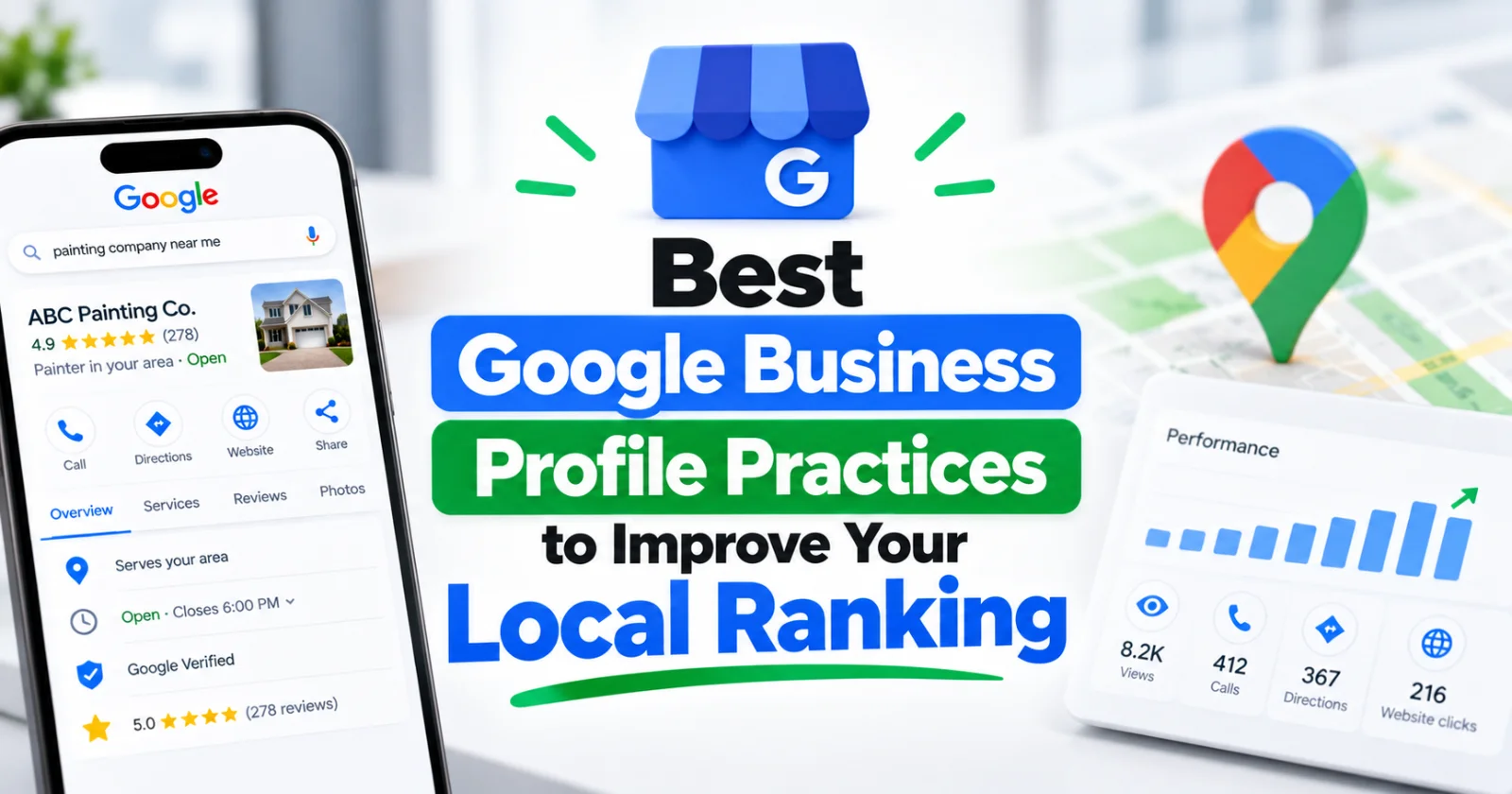
The best Google Business Profile practices for ranking include complete and accurate business info, consistent categories, regular posts, photo updates, and active review management. Together, these signals show Google your business is active, trustworthy, and relevant to local searchers.
Key takeaways
- A fully completed, accurate profile is the foundation of local ranking success
- Primary and secondary categories heavily influence which searches you show up for
- Consistent NAP (name, address, phone) across the web builds trust with Google
- Fresh photos, posts, and Q&A activity signal an active, relevant business
- Responding to all reviews improves both ranking and customer trust
Showing up at the top of local search results and the Google Map Pack isn't luck — it comes down to how well you manage your Google Business Profile. Getting the right Google Business Profile practices in place is one of the fastest ways to improve visibility for "near me" and local intent searches, often without spending a dollar on ads.
In this guide, we'll walk through the practices that consistently move the needle for local ranking, based on how Google's local algorithm evaluates relevance, distance, and prominence.
Why Does Google Business Profile Matter for Local Ranking?
Google's local search algorithm leans heavily on your Business Profile to decide which businesses to show in the Map Pack and local organic results. It evaluates three core factors:
- Relevance — how well your profile matches what someone is searching for
- Distance — how close your business is to the searcher (or the area they searched)
- Prominence — how well-known and well-reviewed your business is, both online and off
A neglected, half-filled-out profile struggles on relevance and prominence no matter how good your actual business is. That's why optimization matters as much as the service you provide.
Complete Every Section of Your Profile
Google rewards completeness. An incomplete profile is a weak signal — it tells Google (and customers) that the business isn't actively maintained. Make sure you've filled in:
- Business name (exactly as it appears in the real world — no keyword stuffing)
- Full address or service area
- Phone number and website URL
- Business hours, including holiday hours
- Business description
- Attributes (e.g., "women-owned," "wheelchair accessible," "free Wi-Fi")
Profiles with complete information are more likely to be deemed trustworthy and relevant by Google's algorithm, and they also convert better once a customer lands on them.
Choose the Right Categories
Your primary category is one of the strongest ranking factors in local SEO. Choose the single most accurate category for what your business primarily does — not the broadest one. Then add secondary categories to capture related services.
For example, a company that installs HVAC systems but also does repairs should set "HVAC contractor" as primary and add "Air conditioning repair service" as a secondary category rather than trying to rank under a generic label like "Contractor."
Review your categories quarterly, especially if you've added new services.
Keep NAP Consistent Everywhere
NAP stands for Name, Address, and Phone number. Inconsistent NAP across your website, directories, and social profiles confuses Google's trust signals and can suppress your ranking. Audit your citations on directories like Yelp, Facebook, and industry-specific listings to make sure they match your Business Profile exactly.
Post Regularly
Google Posts let you share updates, offers, events, and products directly on your profile. Profiles that post consistently tend to show more activity signals to Google and give searchers more reasons to click through. Aim for at least one post every 1–2 weeks, and treat them like mini ads — clear offer, clear call to action, and a relevant photo.
Upload Fresh Photos and Videos
Profiles with recent, high-quality photos get more engagement, and engagement (clicks, calls, direction requests) feeds back into prominence. Add:
- Exterior and interior shots
- Team photos
- Photos of completed work or products
- Short videos if possible
Avoid stock photos — real, geotagged images perform better and look more trustworthy to both Google and customers.
Manage Reviews Actively
Review quantity, recency, and your response rate all factor into prominence. Best practices include:
- Asking happy customers for reviews right after a positive interaction
- Responding to every review, positive or negative, within a few days
- Never offering incentives in exchange for reviews (this violates Google's policies)
- Using the customer's name and specific details in your reply to show it's genuine
A steady stream of recent reviews, paired with thoughtful responses, is one of the clearest prominence signals you can control directly.
Use the Q&A Section Proactively
The Q&A feature lets anyone ask (and answer) questions on your profile — including competitors or spammers. Don't leave it unmonitored. Seed it yourself with the questions customers actually ask (pricing, scheduling, service area) and answer them accurately. This improves relevance matching for long-tail local searches.
Track and Adjust Based on Insights
Your Business Profile dashboard shows how customers find you, what actions they take (calls, website visits, direction requests), and which search queries triggered your profile. Review this data monthly and adjust your categories, posts, and photos based on what's actually working.
How Often Should You Update Your Google Business Profile?
At minimum, check your profile weekly for new reviews and questions, and post new content every 1–2 weeks. Update hours immediately for holidays or schedule changes, and refresh photos quarterly. Profiles that show consistent, recent activity tend to outperform static ones in local rankings over time.
Bringing It All Together
None of these practices work in isolation — they compound. A complete profile with the right categories, fresh content, consistent NAP, and active review management gives Google every reason to trust and prominently feature your business. If managing all of this consistently feels like a lot on top of running your business, our Google Business Profile management service handles the ongoing optimization, posting, and review monitoring for you, often alongside a broader SEO management strategy for long-term local visibility.
Frequently asked questions
How long does it take to rank higher after optimizing Google Business Profile?
Most businesses see initial movement within 2–4 weeks of consistent optimization, though competitive markets can take longer. Ranking improvements tend to build gradually as review counts, posts, and engagement accumulate.
Do Google Business Profile posts actually affect ranking?
Posts themselves aren't a confirmed direct ranking factor, but the engagement and activity they generate (clicks, views, calls) feed into Google's prominence signals, which do influence ranking.
Can too many reviews too fast hurt my ranking?
A sudden, unnatural spike in reviews can trigger spam filters or get reviews flagged for removal. Aim for a steady, organic pace of review requests rather than bulk campaigns.
Should I list every possible category on my profile?
No. Only add categories that genuinely describe services you offer. Irrelevant categories dilute relevance signals and can confuse the algorithm about what your business actually does.
Want this handled for you?
Iron Lead Agency runs SEO, Google Ads, Local Service Ads, and Google Business Profile management for businesses and agency partners, with a dedicated manager and plain-English reporting.
📅 Schedule a Call